NAS vs External Hard Drive vs Cloud: Choosing the Best Data Storage Solution
Introduction
In the digital age, the volume of data generated by individuals and businesses is growing exponentially, making reliable storage solutions a critical necessity. Choosing the correct method to safeguard photos, documents, and mission critical files can be daunting, as the market offers three primary contenders: Network Attached Storage (NAS), traditional external hard drives (EHDs), and cloud storage services. Each solution boasts unique advantages regarding speed, cost, accessibility, and redundancy. This article will provide an in depth comparison, analyzing factors such as initial investment, ongoing costs, data ownership, security implications, and ease of use. Understanding these differences is essential for making an informed decision that aligns with your specific needs for capacity, performance, and long term data preservation.
External Hard Drives: Simplicity and Portability
External hard drives represent the most straightforward and often the least expensive immediate storage solution. These devices connect directly to a single computer, typically via USB or Thunderbolt, offering fast, localized access to data. Their primary appeal lies in their simplicity (plug and play functionality) and portability. An EHD is ideal for backing up a single machine, transferring large files between non networked systems, or carrying media libraries on the go. However, this solution comes with significant limitations regarding redundancy and accessibility. If the physical drive fails, data recovery can be costly or impossible, as EHDs typically lack built in mirroring or RAID capabilities found in more sophisticated systems. Furthermore, accessing data requires physical connection to the drive; remote access is impossible without complex workarounds or integrating them into a separate server configuration. While they offer speed for local operations, they do not scale well and are a single point of failure for critical data.
Network Attached Storage (NAS): Control and Centralization
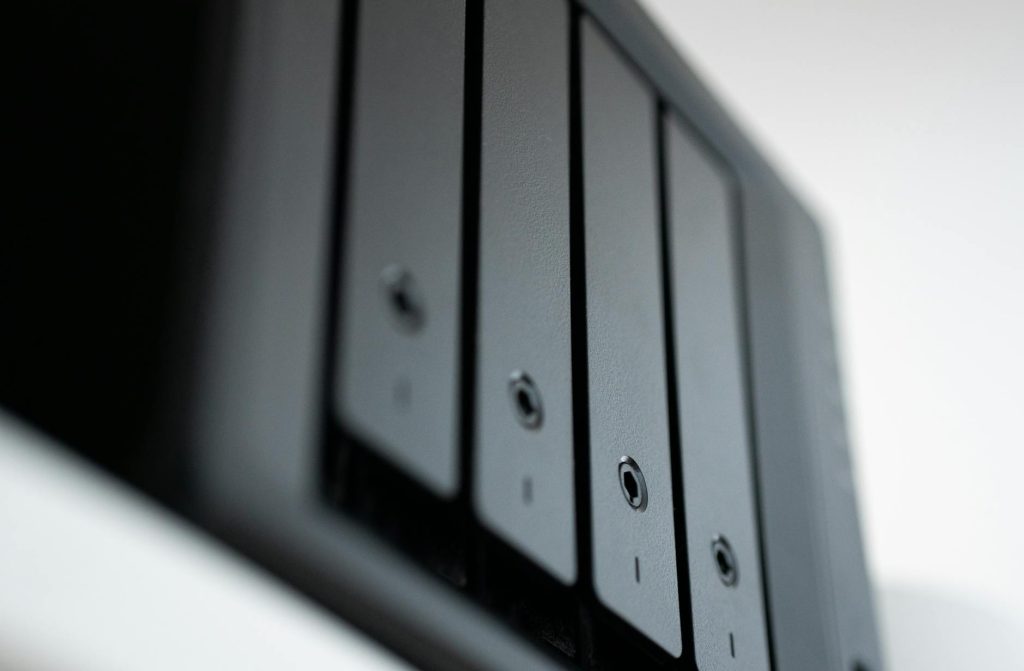
A Network Attached Storage device is essentially a dedicated file server connected to your home or office network. Unlike EHDs, a NAS allows multiple users and devices (computers, smartphones, smart TVs) to access centralized files simultaneously over Wi Fi or Ethernet. The power of a NAS lies in its enterprise grade features adapted for consumer use, particularly redundancy and scalability. Most NAS enclosures support multiple hard drives (bays), allowing users to configure RAID (Redundant Array of Independent Disks) levels. For example, using RAID 1 mirrors data across two drives, ensuring that if one drive fails, the data remains intact on the second. Beyond simple storage, modern NAS devices function as media servers (Plex, DLNA), private clouds, security camera recording stations (NVRs), and virtualization platforms. While the initial setup cost is higher (purchasing the enclosure plus the hard drives), a NAS offers complete control over hardware, software, security protocols, and data ownership. This solution is perfect for power users, small businesses, and households requiring centralized access, high reliability, and extensive customization.
Cloud Storage: Accessibility and Offsite Backup
Cloud storage, provided by companies like Google, Microsoft, and Amazon, represents a fundamentally different approach. Instead of storing data locally, files are uploaded to and maintained on remote servers managed by the provider. The main advantages are unparalleled accessibility and effortless offsite backup. Data stored in the cloud can be accessed from any device with an internet connection, anywhere in the world. This makes it ideal for collaboration, sharing, and ensuring data survivability in the event of local disasters (fire, theft). However, the benefits of convenience come with trade offs concerning privacy, speed, and long term cost. Data transfer speeds are limited by your internet connection, particularly for large uploads. Furthermore, while providers employ high level encryption, you relinquish ultimate control over the physical location and management of your data, relying entirely on the provider’s security and privacy policies. Over time, subscription costs can accumulate significantly, especially when dealing with terabytes of information, potentially making it the most expensive option in the long run.
Comparative Analysis and Final Verdict
Choosing the optimal storage solution depends heavily on balancing budget, required performance, security needs, and necessary accessibility. For immediate, budget conscious, single device backups, the External Hard Drive is the clear winner. For those needing centralized, secure, highly customizable storage with built in redundancy and excellent network performance, the NAS provides the best control and features. Finally, for maximum accessibility, sharing, and guaranteed offsite data protection, the Cloud solution is unmatched. Many experts recommend a hybrid approach: using a NAS for primary, fast, centralized storage and leveraging cloud services for critical offsite backups (the 3 2 1 backup rule often applies: three copies of data, on two different media types, one copy offsite).
Below is a comparative table summarizing the key differences:
| Feature | External Hard Drive | Network Attached Storage (NAS) | Cloud Storage |
|---|---|---|---|
| Initial Cost | Low (Drive purchase only) | High (Enclosure + Drives) | Low (Free tiers available) |
| Ongoing Cost | None | Electricity, occasional drive replacement | High (Subscription fees) |
| Accessibility | Local connection only | Local network & secure remote access | Anywhere with internet |
| Redundancy/Safety | Poor (Single point of failure) | Excellent (RAID options, customizable) | Excellent (Managed by provider) |
| Data Control/Ownership | Complete | Complete | Relinquished to provider |
| Best Use Case | Individual laptop backup, data transfer | Centralized household storage, small business server | Offsite backup, collaboration, mobile access |
Conclusion
The decision among NAS, external drives, and cloud storage is less about finding a universally “best” option and more about aligning capabilities with specific requirements for data security, accessibility, and budget. External hard drives offer unmatched affordability and speed for localized backups but lack redundancy and remote access. Cloud storage excels in ubiquity, providing guaranteed offsite redundancy and global access, but introduces recurring costs and requires ceding some control over data privacy. The NAS stands as the powerful middle ground, offering centralized control, advanced redundancy through RAID configurations, and robust remote capabilities suitable for power users and small enterprises. Ultimately, a resilient data strategy often incorporates elements of all three; using a NAS as the core repository, utilizing external drives for quick backups or transportation, and relying on the cloud to provide that essential, disaster proof offsite copy. By analyzing your volume of data and sensitivity needs, you can construct a sustainable and secure storage infrastructure.
Image by: Andrey Matveev
https://www.pexels.com/@zeleboba