If you are constantly searching for a charger, understanding why phone battery drain occurs is the first step to reclaiming your device’s independence. Modern smartphones pack desktop-class processors and high-refresh-rate screens into pocket-sized form factors. Consequently, your lithium-ion power source is under constant, heavy strain. While hardware inevitably degrades over time, unexpected power drops usually stem from a combination of aggressive software background processes, misconfigured radios, and thermal stress. This explainer breaks down the underlying engineering principles of modern power management. We will explore how your hardware and operating system interact to consume energy, why certain apps act as parasitic drains, and how you can pinpoint the exact causes of your issues. By learning to look past generic advice, you can implement targeted changes that yield measurable improvements.
What is actually causing your phone battery drain
The chemical reality of lithium-ion degradation
From experience, users often blame recent operating system updates for sudden power loss when the true culprit is physical battery aging. Lithium-ion batteries function through chemical reactions that gradually degrade with every charge cycle. Furthermore, according to data from Battery University (2023), a typical smartphone battery loses about 20% of its original capacity after 300 to 500 charge-discharge cycles. This physical degradation means your phone holds less total energy, making daily operations feel much more taxing.
On the other hand, thermal exposure accelerates this chemical decay. When you use your device while fast-charging, the internal temperatures frequently exceed 40 degrees Celsius. This heat breaks down the internal electrolyte structure of the battery, permanently reducing its capacity. For this reason, a two-year-old phone simply cannot last as long as a new one, regardless of your software settings.
Consequently, managing your battery health requires understanding these physical limitations. You can read more about device maintenance and hardware preservation on our mobile category page to keep your device running efficiently. Recognizing the difference between software bugs and hardware decay is vital for proper diagnosis.
Key takeaway: Physical battery wear reduces total capacity over time, meaning older devices naturally run out of power faster regardless of software optimizations.
How rogue software silently steals your charge
Wakelocks and background synchronization loops
While physical aging is inevitable, software optimization remains the most immediate way to control energy consumption. The operating system uses a mechanism called a “wakelock” to keep the processor active when the screen is off. Ideally, apps should release these locks immediately after performing a quick task like fetching a notification. However, poorly coded applications frequently get stuck in background synchronization loops, keeping the main system on chip in a high-power state.
A common mistake here is assuming that closing apps from the multitasking screen solves this problem. In reality, modern mobile operating systems are designed to manage RAM automatically, and manually force-closing apps can actually increase power usage when the system inevitably restarts them. Additionally, background processes like location tracking use global positioning system hardware, which draws significant power compared to standard Wi-Fi location services.
Furthermore, social media apps often run complex telemetry and ad-tracking scripts in the background. According to a study by security researchers at pCloud (2022), applications like Facebook and Instagram run up to 30 background processes simultaneously, significantly contributing to daily power depletion. This silent activity prevents the device from entering its deepest sleep state.
Key takeaway: Rogue background processes and improper wakelocks force your phone processor to stay active even when the screen is dark.
The hidden cost of constant connectivity
How weak signal areas multiply power consumption
Many people do not realize that cellular radios are among the most power-hungry components in a smartphone. When you are in an area with a strong cellular signal, your phone transmitter operates at low power because it easily communicates with nearby towers. Conversely, when the signal drops, the device automatically increases the transmitter wattage to maintain a connection. This behavior dramatically increases power consumption.
What most guides miss is how much energy 5G networks consume compared to LTE. In the early stages of 5G deployment, phones must often connect to both LTE and 5G bands simultaneously, a process known as dual connectivity. Therefore, if you live in a location with spotty coverage, your device will constantly switch between networks, causing the radio chip to run hot and drain your reserves rapidly.
As a result, disabling 5G in favor of stable LTE can dramatically extend your daily battery life. If you spend your work hours inside a concrete building with poor reception, switching your device to airplane mode and enabling Wi-Fi calling is a highly effective workaround. This strategy prevents the cellular modem from exhausting the system power.
Key takeaway: Poor cellular reception forces your phone transmitter to consume maximum power to maintain a stable network connection.
Practical steps to audit and optimize your power
Using built-in diagnostics and specialized tools
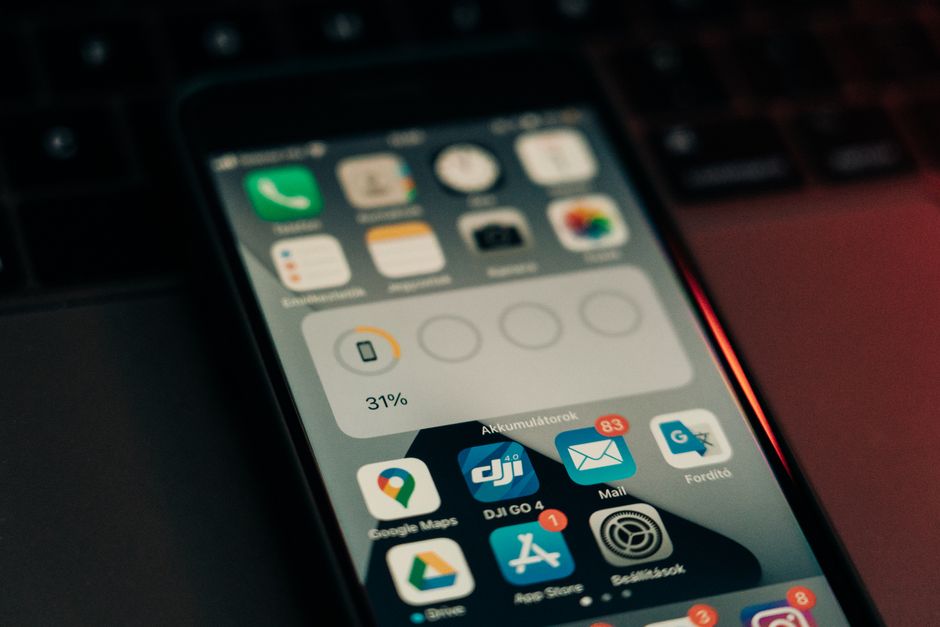
To resolve these issues systematically, you need to gather accurate performance data. Fortunately, both iOS and Android offer built-in battery diagnostics that detail which applications consume the most energy over a 24-hour period. Furthermore, power-users on Android can utilize specialized third-party tools like AccuBattery to measure real-time current draw in milliamperes. This level of granular detail allows you to identify specific rogue applications immediately.
The part that actually matters is distinguishing between active drain and background drain. If a navigation app uses 15% of your power while you are actively using it, that consumption is normal. However, if an offline puzzle game consumes 20% of your power while your phone is sitting in your pocket, you have found a clear candidate for removal or restriction.
In addition, you can mitigate software-related phone battery drain by restricting background execution permissions for non-essential applications. On iOS, this is accomplished by toggling off Background App Refresh for specific utilities. On Android, you can change the battery usage profile of any app to “restricted” in the system settings, which prevents it from running unless it is actively open on your screen.
Key takeaway: Reviewing built-in power usage charts and restricting background permissions for non-essential apps directly cuts down daily waste.
Conclusion
Managing phone battery drain does not require disabling every smart feature on your device. Instead, a methodical approach that addresses the physical health of your battery, controls background software processes, and mitigates connectivity issues will yield the best results. Ultimately, balancing your power consumption is about making intentional choices rather than adopting extreme power-saving modes that ruin the user experience. By auditing your apps, restricting background permissions, and understanding the physical impact of heat, you can keep your device running longer every day. For more technical insights into hardware efficiency and operating system optimization, visit our hardware category page to explore our latest guides. Your immediate next action should be to open your system settings right now, identify your top three non-essential power-consuming apps, and restrict their background permissions.
Cover image by: Szabó Viktor / Pexels