Google Photos face search represents a significant shift in how we interact with personal digital archives by replacing manual tagging with automated computer vision. When you upload images to the platform, the system analyzes pixel patterns to identify unique facial structures and group similar appearances together. This process allows users to find specific photos of family or friends among thousands of unrelated images in seconds. The core question for many users is how this technology balances convenience with privacy and whether the accuracy is reliable enough for professional-level organization. In this guide, we will explore the underlying mechanisms of the grouping algorithms, the methods for refining the results, and the privacy controls available to users. By understanding the logic behind the search engine, you can turn a messy timeline into a structured database without spending hours on metadata entry.
How the facial recognition engine processes your library
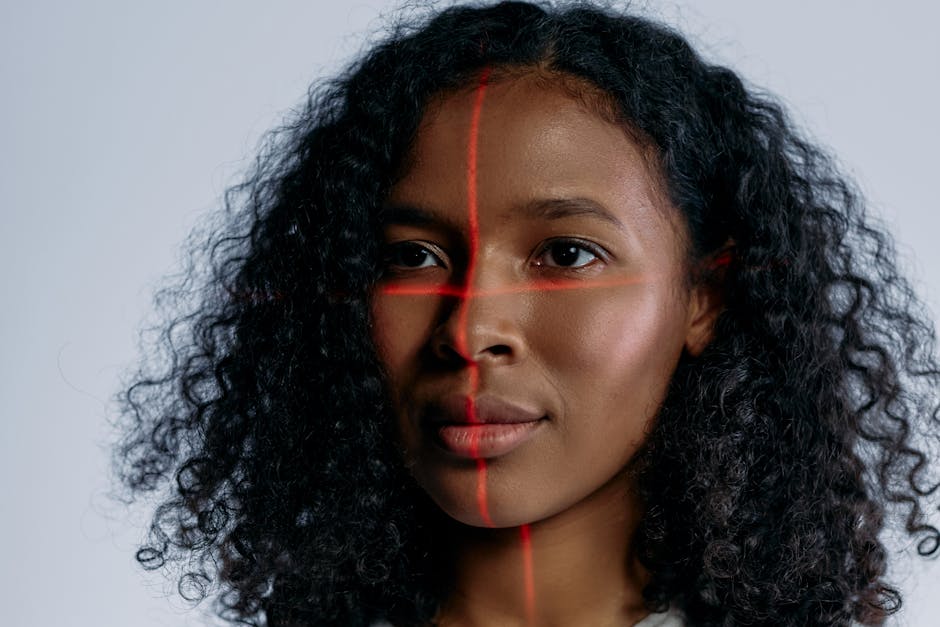
The magic behind the search bar begins with a multi-stage processing pipeline that occurs as soon as your photos hit the cloud. First, the algorithm detects the presence of a face within the frame, distinguishing it from backgrounds or inanimate objects. Second, it creates a mathematical representation of that face, often called a face template or face print. This template focuses on the distance between features, the shape of the jawline, and the depth of eye sockets. Finally, the system compares these templates against existing clusters in your “People” folder to see if they belong to a known individual or require a new group.
Mathematical mapping vs image storage
It is helpful to understand that Google does not simply compare two JPEGs to see if they look alike. Instead, it converts visual data into numerical vectors. According to Market Research Future (2024), the global facial recognition market is expanding at a compound annual growth rate of 15 percent, largely driven by these vector-based advancements. This mathematical approach allows the system to recognize a person even if they are wearing glasses, have aged ten years, or are captured from a difficult angle. This efficiency is why the search feels so instantaneous when you type a name into the query box.
Key takeaway: The system relies on mathematical face templates rather than simple visual matching to group individuals across your entire photo library.
Managing privacy and the regional data divide
Privacy is the most common concern when discussing Google Photos face search and its automated capabilities. Google treats face grouping as an opt-in feature in many jurisdictions, meaning the system will not index your photos for faces until you grant permission. Furthermore, the “face groups” created in your account are private to you and are not shared across different users. If you share an album with a friend, they will see the photos, but they will not see the names or labels you have assigned to the people within those photos.
Global regulations and feature availability
The availability of specific search features often depends on your physical location due to varying biometric laws. For instance, users in the European Union or certain US states like Illinois may see different prompts or limited functionality compared to other regions. According to a report by the Carnegie Endowment for International Peace (2023), over 70 countries have implemented some form of biometric data regulation. In practice, this means that if you travel or move, you might notice the face grouping feature suddenly appearing or disappearing based on your local IP address and account settings.
Key takeaway: Face grouping is a private feature that remains visible only to the account owner and is subject to strict regional privacy laws.
Refining the accuracy of automated clusters
While the AI is impressive, it is not infallible and often requires human intervention to stay organized. A common mistake here is assuming that the “People” section is a set-it-and-forget-it feature. Over time, the algorithm might create two separate groups for the same person if their appearance has changed significantly, such as a child growing into an adult or a friend growing a beard. You can manually merge these groups by labeling them with the same name, which tells the algorithm that these distinct templates actually belong to one identity.
Handling the merge and remove functions
When you encounter a mistake, such as a stranger being grouped with a family member, you should use the “Remove results” tool rather than deleting the photo itself. This action provides feedback to the machine learning model, helping it refine the boundaries of that specific face group. From experience, I have found that spending five minutes every month cleaning up these clusters significantly improves the performance of natural language searches, such as “Mom at the beach.” You can find more tips on digital organization in the Productivity archive on this site.
Key takeaway: Manual merging and removing incorrect results provides essential feedback that improves the long-term accuracy of the search algorithm.
Beyond humans and into the world of pet recognition
One of the more sophisticated updates to the platform is its ability to recognize non-human faces with surprising precision. The same logic applied to human features has been trained on millions of animal images to distinguish between different pets. This means you can search for “Luna” or “Rex” just as easily as you search for a human relative. This feature uses unique markers in the fur patterns, snout shapes, and eye spacing of cats and dogs to build individual profiles.
Distinguishing between similar breeds
The challenge for the AI increases when you have multiple pets of the same breed, such as two Golden Retrievers. While the system might struggle initially, it uses contextual clues like the pet’s collar or their frequent companions to help differentiate them. What most guides miss is that you can actually train the system by clicking on the “Me” or “People” tab and adding names to your pets just as you would for humans. This level of granularity is a testament to the scale of Google’s training data, which processes billions of images annually.
Key takeaway: Pet recognition uses the same vector-based logic as human recognition, allowing for deep organization of animal photos via the People tab.
Limitations of the current facial search technology
Despite the high success rate, there are specific edge cases where the Google Photos face search will likely fail. Very low-light images, heavy motion blur, or photos where the subject is wearing a mask often prevent the detection engine from identifying a face. Furthermore, the system is designed for individual identification rather than broad demographic categorization. It is a tool for finding specific people you know, not for general aesthetic searches like “people with blue eyes” unless you have specifically labeled them.
The part that actually matters is metadata
A practitioner aside: if the automated system fails to detect a face, you can occasionally fix this by manually adding a face tag if Google has detected the person but not identified them. However, if the “Face detected” box doesn’t appear at all in the photo information, the AI simply cannot “see” a face in those pixels. In these instances, you should rely on descriptions or location data. For more advanced workflows, you might look into tools like Adobe Lightroom, which offers more granular control over metadata, though it lacks the effortless cloud-syncing of the Google ecosystem.
Key takeaway: Physical obstructions and poor lighting remain the primary obstacles for automated face grouping, necessitating a backup strategy for photo tagging.
In conclusion, the power of facial search in photo management lies in its ability to turn a chronological mess into a searchable, person-centric database. By understanding that the system uses mathematical templates rather than direct image comparisons, you can better manage your expectations regarding accuracy and privacy. The most important thing to remember is that the AI works best as a partnership between the algorithm and the user. Taking the time to label your groups, merge duplicates, and verify your privacy settings ensures that your library remains organized and secure. Your clear next action is to open the “Search” tab in your photos app, navigate to “People”, and spend ten minutes labeling the top faces to see how quickly your entire library becomes indexed and searchable.
Cover image by: cottonbro studio / Pexels