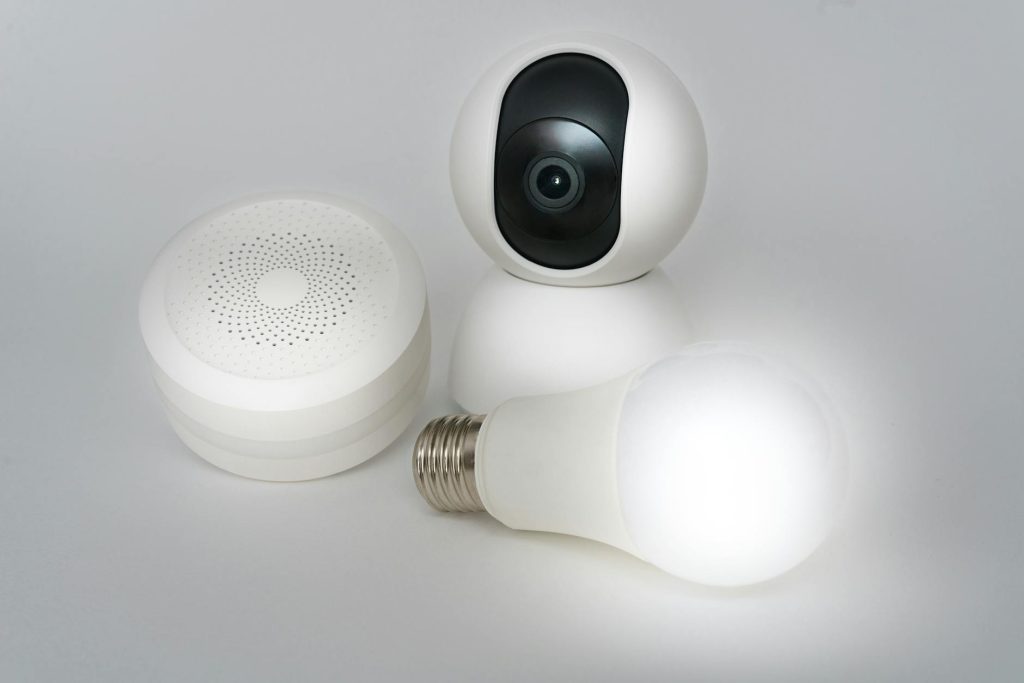
Setting up smart home security does not require tearing open your drywall or paying hundreds of dollars to a professional installer. In my experience, modern wireless hardware allows you to secure an entire property in less than an hour. According to Parks Associates (2023), 35% of US internet households now own a smart security device, proving that DIY adoption is mainstream. However, many beginners make the mistake of overcomplicating their setup by choosing systems that require complex low-voltage wiring. Therefore, this guide focuses entirely on a 100% wire-free approach that relies on battery-powered devices and robust Wi-Fi networks. By using smart hubs and high-performance wireless cameras, you can secure your home without a single permanent cable.
What you’ll need
Specifically, gathering the right equipment is essential for setting up wireless smart home security successfully. You do not need specialized trade tools, but having these items ready will streamline the installation process:
- Battery-powered smart cameras (such as the EufyCam 3 or Arlo Pro 5S)
- Wireless contact sensors for doors and windows
- A central smart home hub or manufacturer base station
- A smartphone with the device’s companion application installed
- A reliable 2.4 GHz Wi-Fi connection (the standard frequency used by most smart appliances)
- A Wi-Fi analysis app installed on your phone (such as NetSpot)
Key takeaway: Having the correct battery-powered hardware and a strong local network eliminates the need for professional wiring tools.
Step-by-step smart home security setup
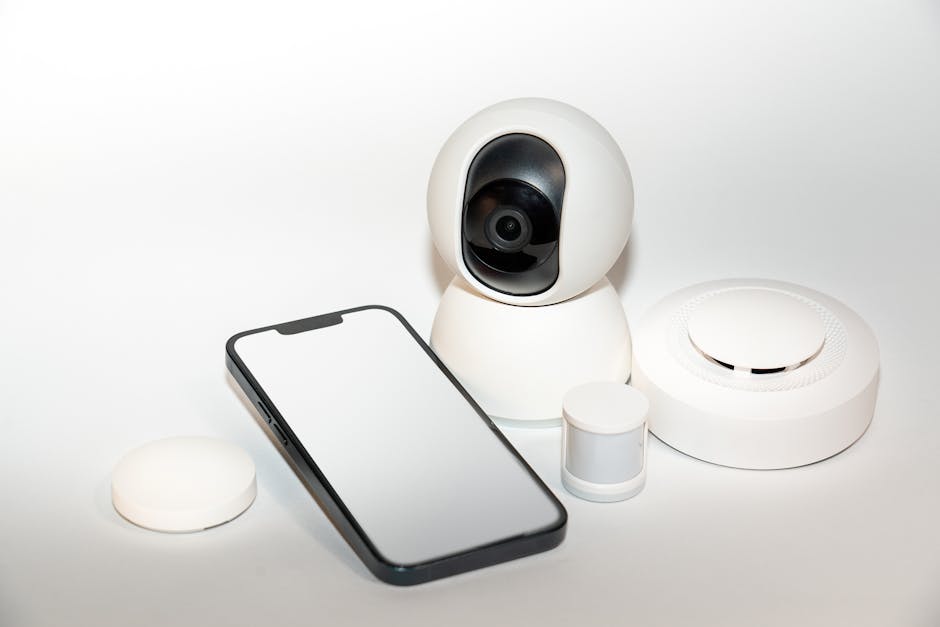
Follow these sequential steps to deploy your wireless security system efficiently and avoid common coverage gaps.
- Assess your home’s entry points and map out where you will place each wireless camera and sensor. Ensure you prioritize the front door, back door, and first-floor windows, as these are statistically the most common break-in routes. To start, keep in mind that wireless signals must pass through walls, so plan to place your devices within reasonable range of your router.
- Audit your local wireless network using a free app like NetSpot to ensure you have strong signal coverage at each mounting location. Since most smart security cameras operate on the crowded 2.4 GHz band, you must check for interference from neighboring networks. Consequently, if you find dead zones during this audit, you should consider adding a Wi-Fi extender before mounting any hardware.
- Initialize your central security hub by plugging it into power and connecting it to your home router via an Ethernet cable. Open the manufacturer’s smartphone application, create your secure account, and follow the on-screen prompts to register the hub. In practice, keeping the hub centrally located in your home ensures the best wireless range for all connected peripheral sensors.
- Pair your individual wireless cameras and door sensors to the hub one by one before taking them outside. Pull the battery tab or insert the rechargeable batteries, then trigger the pairing mode within the mobile app. To avoid configuration confusion later, label each device in the app with its final physical location, such as “Back Yard Camera.”
- Mount your devices using heavy-duty, outdoor-rated double-sided adhesive tape or the included non-damaging screw mounts. Ensure your cameras are placed nine feet above the ground to prevent tampering while maintaining an optimal downward viewing angle of 15 to 30 degrees. What most guides miss is that angling cameras too high causes the motion sensor to trigger constantly on background street traffic, draining your battery in weeks.
- Configure custom activity zones and sensitivity thresholds in the device settings to minimize false notifications. Adjust the motion detection sensitivity down if you have pets or blowing trees within the camera’s field of view. Finally, set up your notification schedules so you only receive alerts when you are away from home or sleeping.
Key takeaway: Installing a wireless system in systematic stages ensures strong signal strength and prevents configuration errors before physical mounting.
Common problems and fixes
Even wireless systems can experience performance bottlenecks. Use these proven troubleshooting steps to resolve the most common issues.
Rapid battery drain on outdoor cameras
A common mistake here is ignoring how cold weather and high-traffic areas affect lithium-ion batteries. According to a 2023 study by Security.org, 60% of consumers prefer DIY wireless setups but cite battery maintenance as their primary recurring pain point in smart home security deployments. If your camera battery dies within weeks instead of months, first adjust your motion sensitivity to limit unnecessary recordings. Furthermore, you can install a cheap, compatible solar panel accessory to keep the battery continuously topped off without running power wires inside.
Delayed notifications or choppy video feeds
Therefore, this issue typically stems from poor Wi-Fi signal penetration or network congestion on the 2.4 GHz band. You should check the RSSI (Received Signal Strength Indicator, which measures the power level of your Wi-Fi signal) value in your camera’s app settings, aiming for a value better than -60 dBm. If the signal is weak, move your smart hub closer to the camera or deploy a dedicated wireless access point. Alternatively, switching your router’s 2.4 GHz channel to 1, 6, or 11 can drastically reduce interference from neighboring routers.
Sensors falling off doors or windows
In addition, many DIYers use cheap double-sided tape that degrades when exposed to humidity or extreme temperature swings. Heavy outdoor doors or kitchen windows often lose their contact sensors over time. To fix this, always clean the mounting surfaces with isopropyl alcohol before applying the adhesive. Additionally, replace standard foam tape with heavy-duty acrylic mounting tape, such as 3M VHB, which resists moisture and temperature fluctuations.
Key takeaway: Most wireless security issues stem from poor environmental preparation or weak Wi-Fi, both of which you can easily optimize.
When this won’t work
However, while wireless security systems offer incredible flexibility, they are not suitable for every property. For example, homes with thick concrete, brick, or lath-and-plaster walls will severely degrade wireless signals, making reliable camera feeds impossible without hardwired Ethernet. Similarly, if you require continuous 24/7 video recording rather than motion-activated clips, battery-powered cameras will fail since continuous streaming drains the battery in a matter of days. In these scenarios, you must opt for Power over Ethernet (PoE) systems or wired low-voltage lines.
Key takeaway: Properties with dense building materials or those requiring continuous 24/7 recording are better suited for traditional wired systems.
Conclusion
Ultimately, building wireless smart home security is the fastest way to protect your property without drilling through walls. By selecting high-quality battery-powered cameras and optimizing your local Wi-Fi, you can achieve professional-grade protection on a budget. If you are ready to take control of your home’s safety, explore our detailed smart home guides for more platform-specific recommendations. Your next step should be to download a Wi-Fi analyzer app today and map out your network strength before purchasing any hardware. This simple pre-purchase audit will save you hours of troubleshooting down the road and ensure your new security system performs flawlessly from day one.
Consequently, the trade-offs of this approach, such as periodic battery charging and potential wireless interference, are minor compared to the massive cost savings of DIY installation.
Key takeaway: Wireless security systems offer an accessible, powerful, and highly cost-effective way to secure your home without drilling or complex wiring.
Cover image by: Jakub Zerdzicki / Pexels