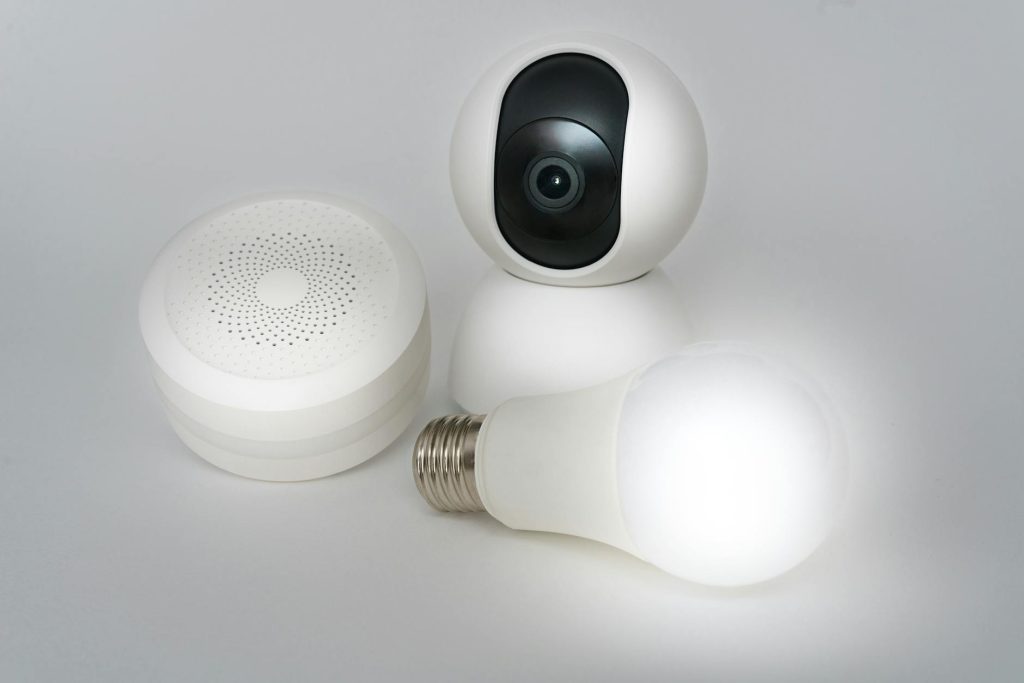
In today’s interconnected world, smart home security extends beyond just physical protection; it fundamentally means safeguarding your personal data. From intelligent thermostats tracking your daily routines to security cameras streaming video, every smart device generates and transmits data that can be a target for cybercriminals. Protecting this information is paramount to maintaining your privacy and preventing potential misuse. This listicle focuses on practical, actionable steps you can take today, prioritizing measures that directly impact the security of your data rather than just the physical integrity of your devices.
However, many users overlook the critical data implications of their smart home setups, often focusing solely on convenience. According to a 2023 report by the Identity Theft Resource Center, data breaches impacted over 353 million individuals in the US alone, underscoring the pervasive threat. This guide will help you harden your defenses, ensuring your smart home remains a sanctuary, not a data leak.
1. Implement strong, unique passwords and two-factor authentication
What it does: This foundational step creates robust barriers against unauthorized access to your smart home devices and their associated accounts. Strong, unique passwords make it difficult for attackers to guess or brute-force their way in, while two-factor authentication (2FA) adds a crucial second verification step, typically a code sent to your phone, even if your password is compromised.
How to enable it or use it: Use a reputable password manager to generate and store complex, unique passwords for every smart device account (e.g., Ring, Google Home, Philips Hue) and your Wi-Fi router. Then, enable 2FA on every service that offers it. From experience, even if a device itself doesn’t offer 2FA, its accompanying app or cloud service almost certainly does.
Best for: Preventing account takeovers and protecting sensitive device configurations.
Key takeaway: Strong, unique passwords combined with 2FA are your first and most vital defense against digital intruders.
2. Isolate IoT devices on a separate network segment
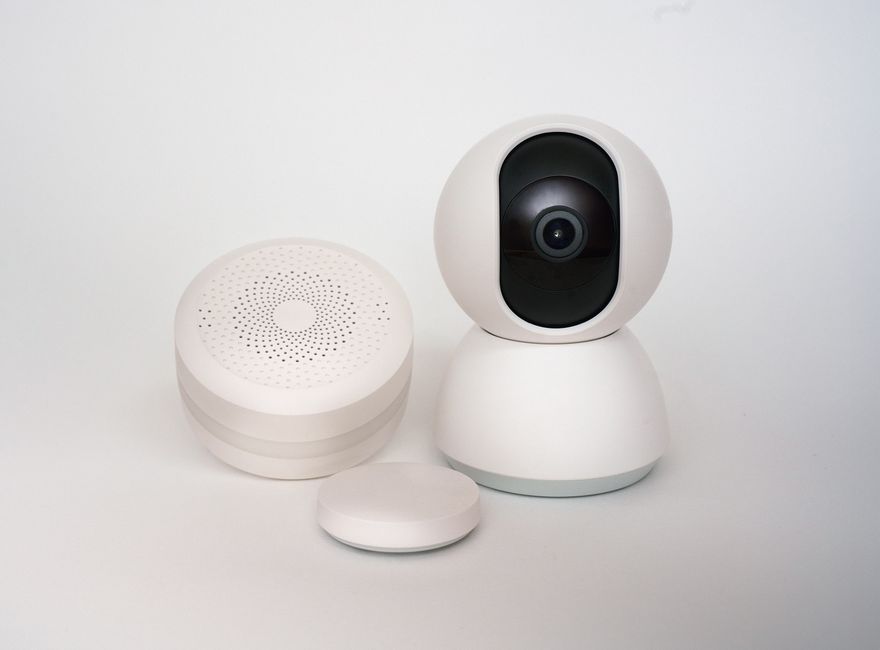
What it does: Network segmentation involves creating a dedicated network (or subnet) for your Internet of Things (IoT) devices, separate from your primary home network used by computers and phones. This isolates your smart devices, preventing them from accessing or being accessed by more sensitive devices on your main network if one of them is compromised.
How to enable it or use it: Check if your router supports VLANs (Virtual Local Area Networks) or has a dedicated guest network that offers true isolation. Configure your smart devices to connect exclusively to this segmented network. A common mistake here is thinking your router’s “guest network” is sufficient; it’s often not truly isolated from the main network, so verify its capabilities.
Best for: Containing potential breaches and limiting lateral movement by attackers within your home network.
Key takeaway: Keeping IoT devices on a separate network prevents them from being a bridge to your personal computers and data.
3. Regularly update device firmware and software
What it does: Firmware and software updates often include critical security patches that fix vulnerabilities discovered after a device’s release. Neglecting these updates leaves your devices open to known exploits, which attackers actively scan for and target.
How to enable it or use it: Set your smart devices and their associated apps to update automatically whenever possible. For devices without auto-update features, periodically check the manufacturer’s website for new firmware and follow their instructions. What most guides miss is that some older devices might stop receiving updates entirely, making them a ticking privacy bomb; consider replacing such devices if they handle sensitive data.
Best for: Patching security holes and staying ahead of emerging cyber threats.
Key takeaway: Consistent updates are essential to close security gaps that could expose your data to attackers.
4. Scrutinize app permissions and data sharing settings
What it does: Smart home devices often come with companion apps that request various permissions (e.g., location, microphone access, contact list) and have data sharing agreements. Reviewing these ensures you’re not inadvertently granting excessive access to your personal information or agreeing to share it with third parties beyond what’s necessary for the device’s function.
How to enable it or use it: Before installing a new smart home app, read its privacy policy carefully. After installation, go into the app’s settings and your phone’s app permissions settings to disable any permissions that aren’t strictly required for the device to work. For instance, a smart light bulb app likely doesn’t need access to your photos. Furthermore, check for explicit data sharing opt-outs within the app or service settings. For additional information on broader digital privacy, consider exploring resources on cybersecurity best practices.
Best for: Minimizing data collection by manufacturers and preventing unnecessary data sharing with third parties.
Key takeaway: Be deliberate about what data you allow apps to access and share, limiting it to the bare essentials.
5. Disable unnecessary remote access and UPnP
What it does: Many smart devices offer remote access features, allowing you to control them from outside your home network. While convenient, this opens ports on your router, increasing your attack surface. Universal Plug and Play (UPnP) is a protocol that automatically configures port forwarding, often without user intervention, making it a significant security risk by opening your network to external threats.
How to enable it or use it: Review your smart device settings and disable remote access if you don’t use it frequently. If you do, ensure it’s protected by strong authentication. Crucially, log into your Wi-Fi router’s administrative interface and disable UPnP. This might require manually configuring port forwarding for specific services you *need* to access remotely, but it offers far greater control and security. According to a 2022 study by Unit 42 (Palo Alto Networks), 98% of all IoT device traffic is unencrypted, highlighting the dangers of unnecessary open ports.
Best for: Reducing your network’s exposure to external attacks and preventing malicious port configurations.
Key takeaway: Close off remote access and UPnP when not absolutely necessary to shrink your home network’s attack surface.
Implementing these smart home security tips will significantly bolster your data privacy and overall digital safety. While all five are crucial, the most impactful first step you can take is implementing strong, unique passwords and enabling two-factor authentication across all your smart home devices and accounts. This single measure acts as a robust front line against the most common forms of digital intrusion, protecting your sensitive data from the moment an attacker attempts to gain access.
In practice, regularly auditing your smart home setup – perhaps once every quarter – to ensure all firmware is updated, permissions are still appropriate, and remote access is only enabled when needed, will provide continuous protection. Stay vigilant; your data depends on it.
Cover image by: Jakub Zerdzicki / Pexels