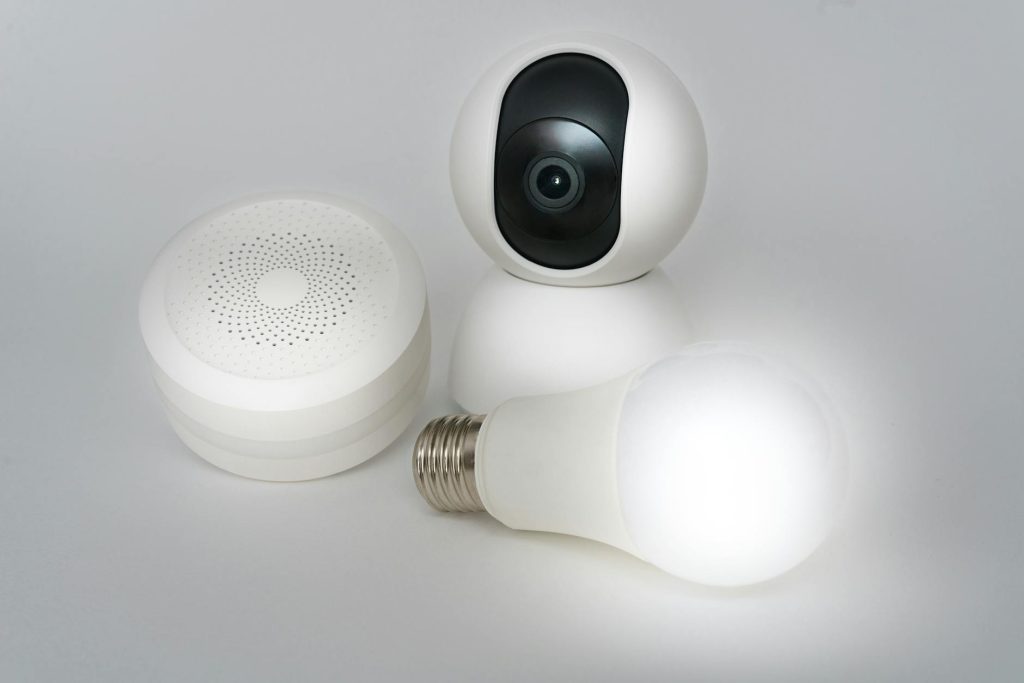
Adjusting your smart home settings is a straightforward path to protecting your household while you sleep. However, many homeowners simply rely on default configurations, leaving their properties vulnerable to avoidable security gaps. For this reason, I selected these seven configurations based on three strict criteria: reliability during internet outages, ease of setup, and their immediate impact on physical safety. In my experience, you do not need expensive hardware to build a secure environment. Instead, you can find a wealth of options in our smart home resource archive to guide your automation journey. According to a report by the Security Industry Association (2023), properties with active automated security configurations experience up to 60% fewer successful intrusion attempts. Therefore, adjusting these options today provides an immediate shield for your family.
1. Motion triggered smart home settings for floodlights
First, this configuration links your outdoor motion sensors with your exterior floodlights to deter intruders instantly. When a sensor detects motion after 10:00 PM, it triggers the lights to illuminate at 100% brightness. This sudden burst of light eliminates blind spots and signals to anyone outside that their presence has been detected.
To get started, you can set this up easily within platforms like Google Home or Apple Home by creating an automation rule. Select your motion sensor as the trigger, set the time condition to “between sunset and sunrise,” and select your floodlights as the action device. In practice, PIR (Passive Infrared) sensors struggle to detect motion through double-paned glass windows. Therefore, what most guides miss is that you must mount your physical motion sensors outside rather than pointing indoor sensors out of windows.
Best for: Homeowners with dark driveways or side yards.
Key takeaway: Active exterior lighting rules instantly eliminate blind spots when unexpected motion occurs.
2. Smart lock auto lock timers
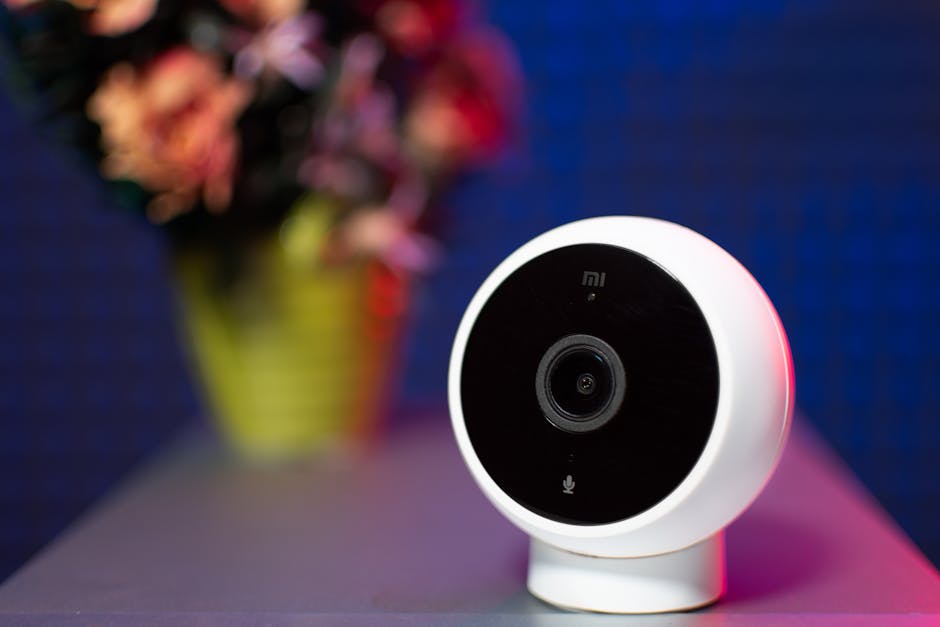
In addition, this setting ensures your deadbolts engage automatically after a predetermined period of inactivity. It eliminates the risk of leaving your front or back door unlocked overnight due to simple forgetfulness. The lock senses when the door is closed and throws the bolt without requiring manual intervention.
Fortunately, you can configure this by opening your smart lock companion app, such as the Yale Access or Schlage Home app, and navigating to the device settings menu. Toggle the “Auto-Lock” feature to active and set the delay timer to five minutes or less. A common mistake here is neglecting door alignment. If your door does not latch perfectly, the auto-lock motor will jam, drain its battery rapidly, and leave the door unsecured.
Best for: Busy households with family members who forget to lock doors at night.
Key takeaway: Auto-lock timers prevent human error from compromising your physical entryway security.
3. Dynamic night mode for smart displays
Furthermore, this configuration changes the display behavior of your indoor smart screens during sleeping hours. By transitioning to a dark theme, it turns off bright, sleep-disrupting backlights and restricts incoming notifications to critical alerts only. Consequently, your family enjoys uninterrupted sleep while remaining reachable during emergencies.
To configure this, use a smart display like the Amazon Echo Show. First, swipe down to access the settings panel, then select the “Do Not Disturb” option. Schedule this feature to run from your typical bedtime until morning, and ensure you enable the “Night Mode” setting to dim the screen clock.
Best for: Bedrooms or hallways where bright screens cause sleep disruption.
Key takeaway: Configuring night schedules on displays prevents sleep disruption while maintaining emergency connectivity.
4. Local fallback control for hubs
Crucially, this configuration keeps your automated routines running even if your local internet service provider suffers an overnight outage. By shifting your automation processing from the cloud to a local server, your sensors and lights communicate directly. This ensures that your security routines remain operational during critical situations.
To set this up, you must use a hub that supports local processing, such as Home Assistant or Samsung SmartThings with Edge Drivers. Ensure your devices are connected via Zigbee or Z-Wave protocols, which operate independently of your home Wi-Fi network. From experience, relying on cloud-based systems like basic smart plugs means your safety routines will completely fail if your router loses connection to the web.
Best for: Areas prone to storm-related power or internet outages.
Key takeaway: Local smart hubs guarantee your overnight security routines function without internet connectivity.
5. Sleep routine audio masking
As a result, this option triggers ambient soundscapes on your smart speakers when your night routine begins. It plays continuous white noise or nature sounds to mask sudden outdoor noises, such as passing traffic or wind. Consequently, your family experiences deeper sleep and fewer sudden awakenings.
To implement this, create a bedtime routine in your smart assistant app, such as Apple Home. Add an action to play white noise on selected HomePod speakers, and set a sleep timer so the audio turns off automatically after four hours.
Best for: Urban homes or neighborhoods with frequent night traffic.
Key takeaway: Automated sound masking prevents ambient noise from disrupting your family’s sleep cycle.
6. Geofencing perimeter alerts
In addition, this function monitors the physical location of your family’s smartphones relative to your property. If a family member leaves the geofenced zone at night while doors are unlocked, the system sends an urgent notification to your phone. This boundary acts as an invisible tripwire that tracks abnormal evening movement without requiring active surveillance.
To deploy this, enable location permissions within your smart home application, such as Apple Home or SmartThings, and define a geographic boundary around your house. Create a conditional automation rule that triggers an alert only if any registered user crosses the boundary after 10:00 PM.
Best for: Parents who want to monitor teenage drivers or wanderers.
Key takeaway: Geofencing acts as an invisible tripwire that alerts you to unexpected late-night movement.
7. Connected smoke detector alarms
Finally, this critical integration links your smart smoke and carbon monoxide detectors to your home automation system. If a sensor detects danger, it triggers all smart bulbs in the house to illuminate at full brightness. This provides immediate visibility, allowing your family to navigate dark hallways safely during an evacuation.
To link these systems, open your automation platform, such as Samsung SmartThings, and set up a new automation rule. Select your smart alarm, like the Google Nest Protect, as the trigger, and set the action to turn on all indoor smart lights to 100% white light. According to the National Fire Protection Association (2022), three out of five home fire deaths result from fires in properties with no working smoke alarms. In my experience, linking these alarms to visual indicators like flashing lights significantly reduces panic during midnight emergencies.
Best for: Multi-story homes where alarms might be muffled by closed doors.
Key takeaway: Interconnected safety alarms provide visual navigation paths during high-stress night emergencies.
Conclusion
Ultimately, choosing the single most important option among these recommendations depends on your immediate security vulnerabilities. However, in my experience, configuring local fallback control for hubs stands out as the absolute top priority. This setting ensures that your security ecosystem remains completely functional when you are most vulnerable, specifically during unexpected network outages or targeted internet cuts. While motion-activated lighting and automated locks offer visible peace of mind, they depend heavily on system reliability to do their jobs. By prioritizing local processing, you protect your home automation from external failures. If you are ready to secure your property, start by reviewing your smart home settings today to ensure your family remains safe regardless of your internet connection status.
Cover image by: Danial ZH / Pexels